Everything your brain needs. Nothing it doesn't.
Powerful features designed for how ADHD and autistic brains actually work.
Work with your energy, not against it
Your brain doesn't run at the same speed all day. Doable adapts to where you are right now.
Energy Check-ins
How are you feeling? Low, medium, or high? Tell Doable, and your entire task list reshuffles to match. Low energy? See the easiest wins. High energy? Tackle the big stuff. Your list always reflects what you can actually handle right now.
Free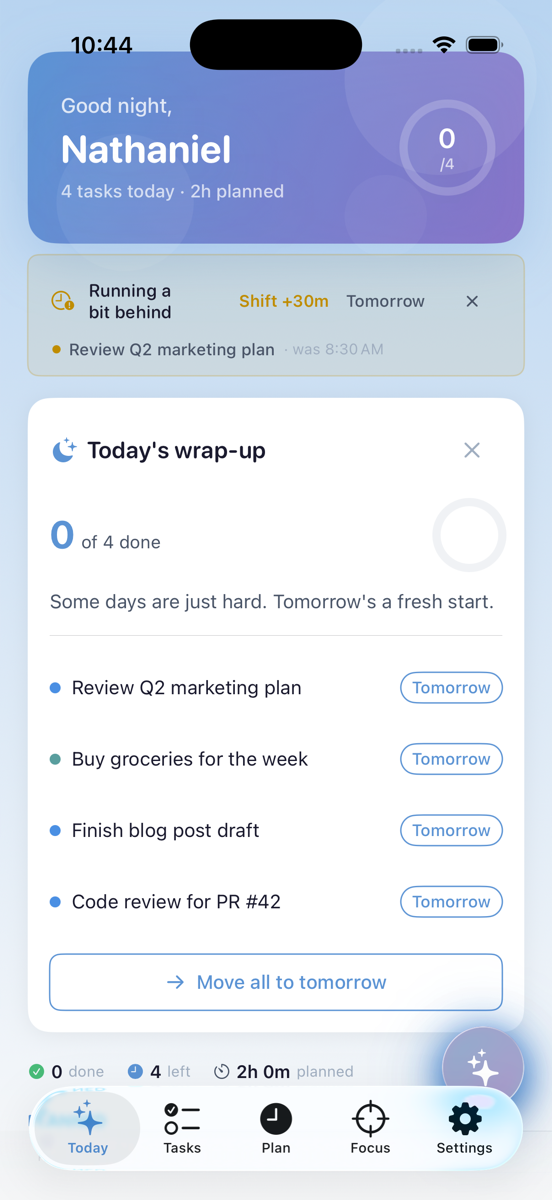
One Thing Mode
Overwhelmed? See just one task. No list paralysis. No doom-scrolling your obligations. Just the one thing you can do right now.
Free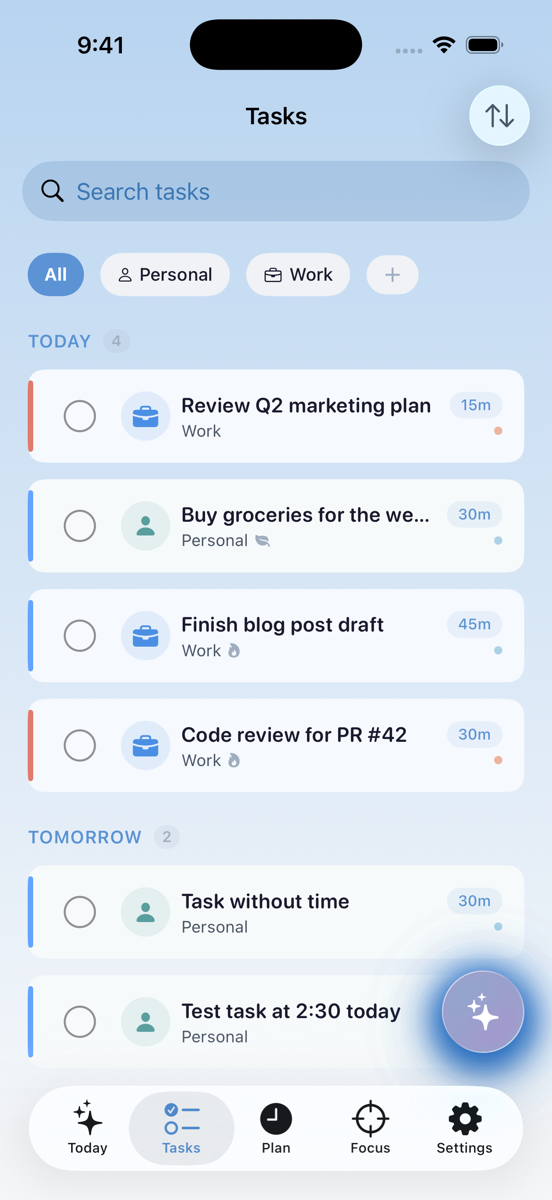
Sensory Modes
Calm, Balanced, or Energizing. Control animations, haptics, and visual intensity to match your sensory needs in the moment.
FreeOrganize your way
Flexible enough for any system. Structured enough to keep you on track.
Projects & Organization
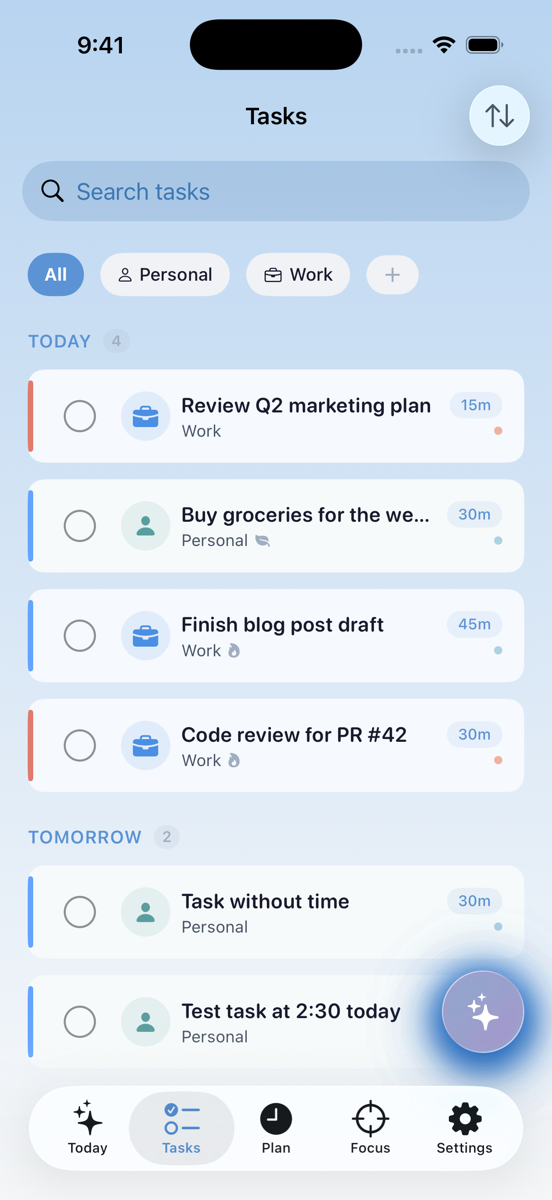
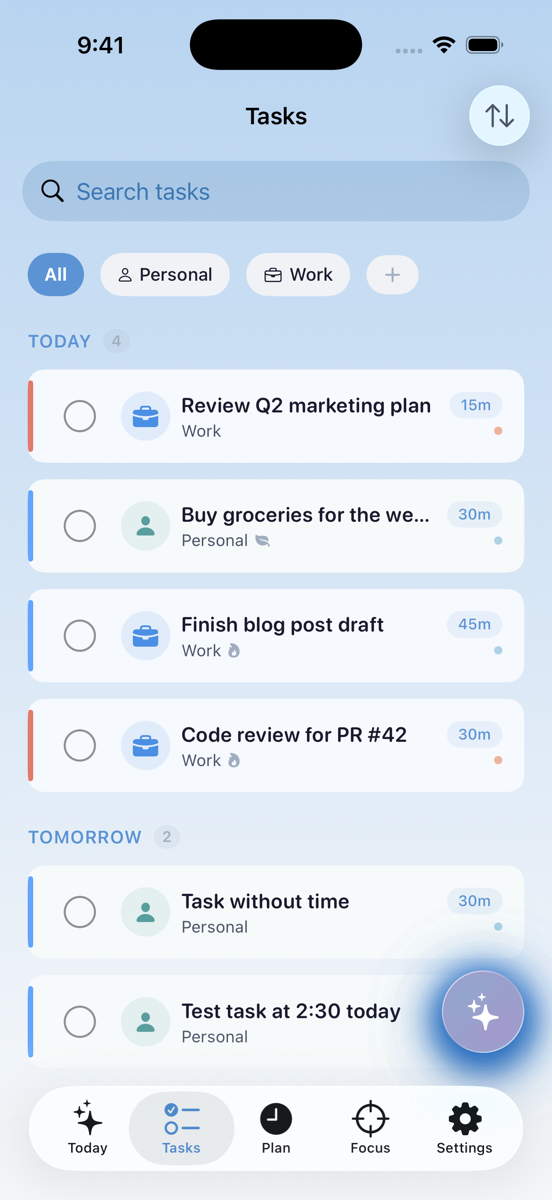
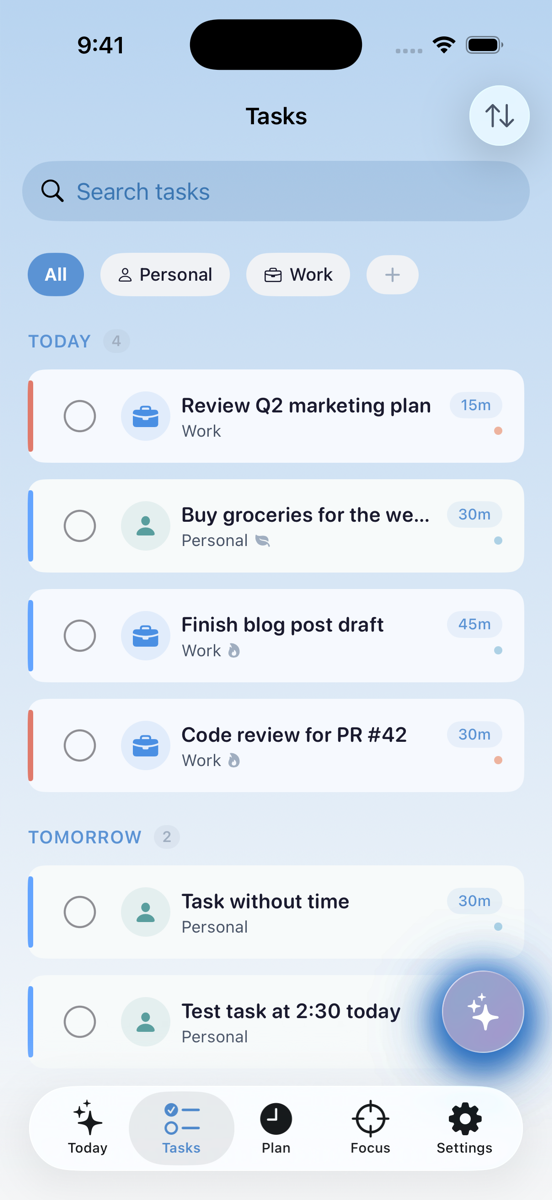
Unlimited tasks, projects, subtasks, tags, categories, priorities — organize your way. Break big goals into manageable pieces or keep it simple with a flat list. Doable adapts to how your brain likes to think.
Free Pro
Defer Dates
Hide tasks until you're ready. Out of sight, out of mind — until the right moment. Reduce clutter without losing track.
Free
Recurrence
Daily, weekly, monthly, custom patterns. Set it once and the task comes back on schedule. Never forget the recurring stuff.
Free
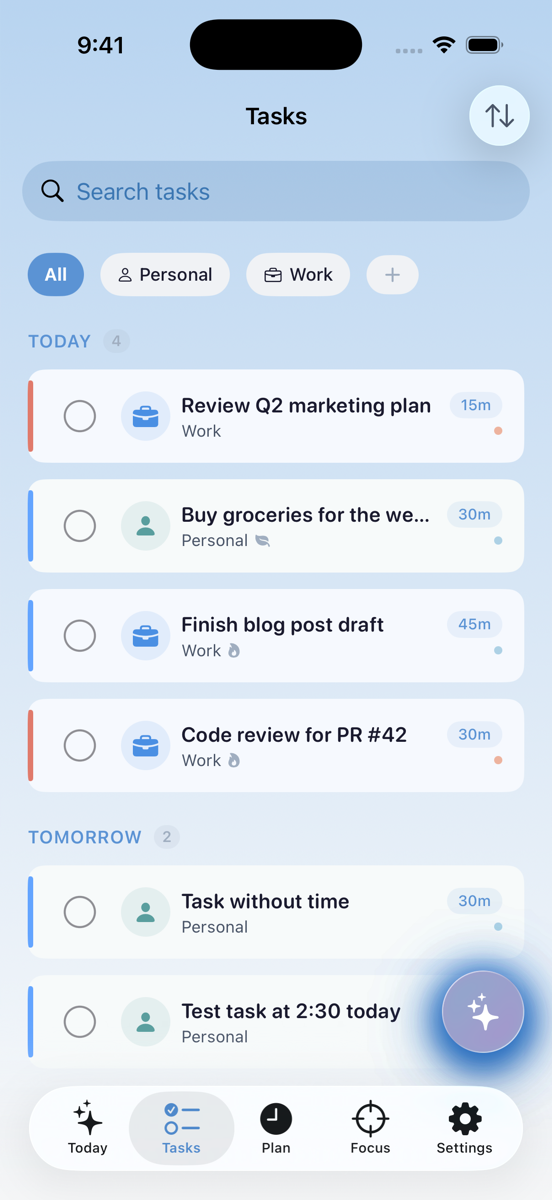
Smart Filters
Filter by project, tag, priority, energy, category. Slice your task list any way you need to find exactly what you're looking for.
Free
"What Does Done Look Like?"
Define your own completion criteria for any task. No more wondering if you're actually finished — you'll know.
FreeSee your day before you live it
Plan realistically. Reschedule easily. Never overcommit again.
Visual Timeline
See your day laid out. Drag tasks to reschedule. See calendar events alongside tasks. The timeline gives you an honest picture of what fits in your day — and what doesn't.
Free Pro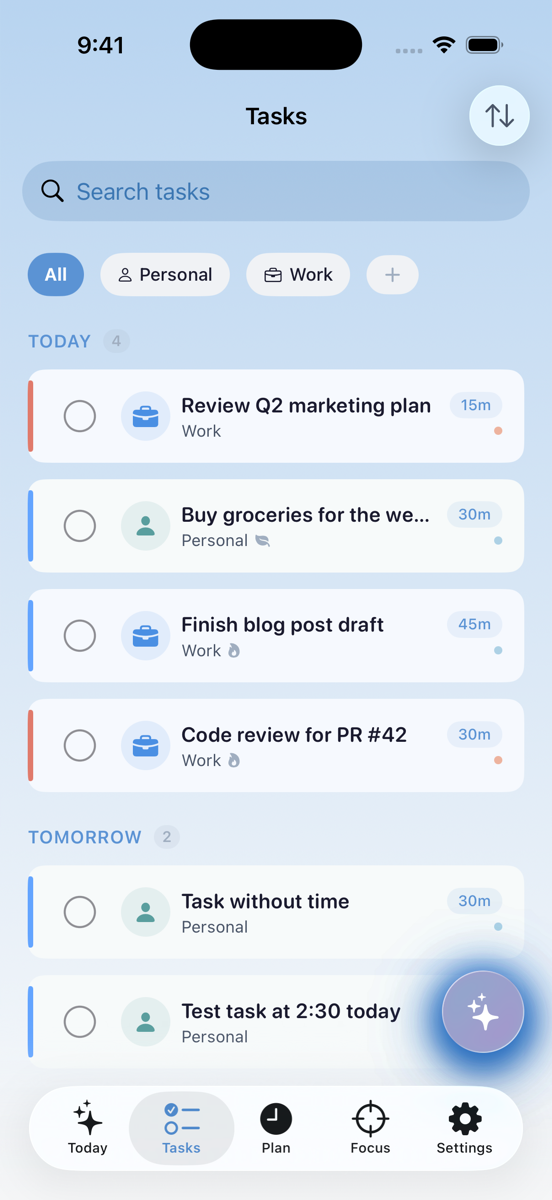
Category Time Windows
Define work hours, personal time — tasks auto-sort into the right window. Your work tasks stay in work hours. Personal stuff stays personal.
Free
AI Auto-Scheduling
One tap. Your day is planned intelligently around your calendar, energy, and priorities. Let the AI figure out the puzzle.
Pro
Day Scheduler
Resolve conflicts when tasks overlap. Visual conflict resolution makes it easy to see the problem and fix it with a tap.
FreeYour AI assistant that respects your privacy
Talk, plan, and review — all powered by on-device intelligence.
Voice Brain Dump (Able)
Your brain is racing. Just talk. Able listens, transcribes on-device, and organizes your thoughts into tasks. Privacy-first — nothing leaves your phone. Brain dump complete, privacy intact.
Free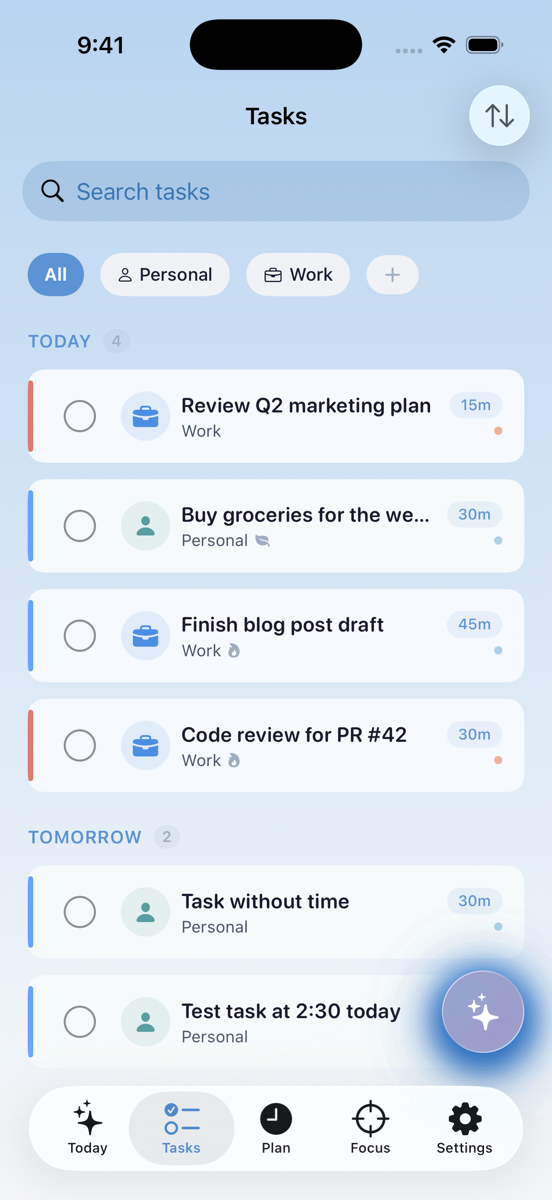
AI Task Extraction
Streaming transcription-to-tasks with confidence scores. Watch your rambling thoughts transform into actionable items in real time.
Free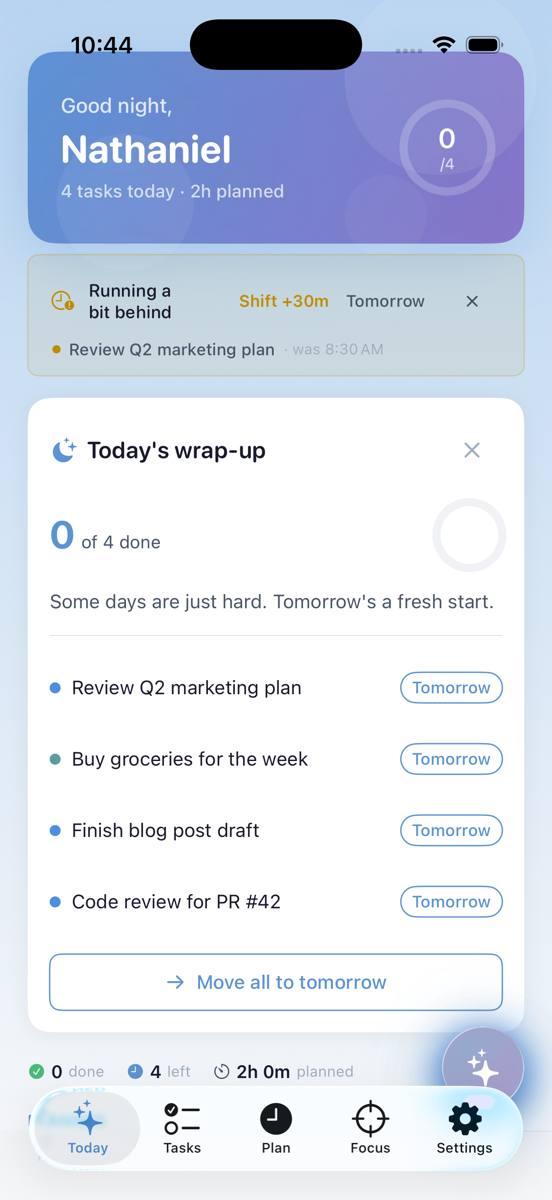
AI Day Planning
Start your day with an AI-generated plan based on your tasks, calendar, and energy. A smart morning briefing tailored to you.
Pro
AI Evening Review
End your day celebrating what you accomplished and planning what's next. No guilt — just progress and a gentle look ahead.
ProStay in the zone — your way
Pomodoro, custom intervals, body doubling, or ambient sounds. Whatever keeps you locked in.
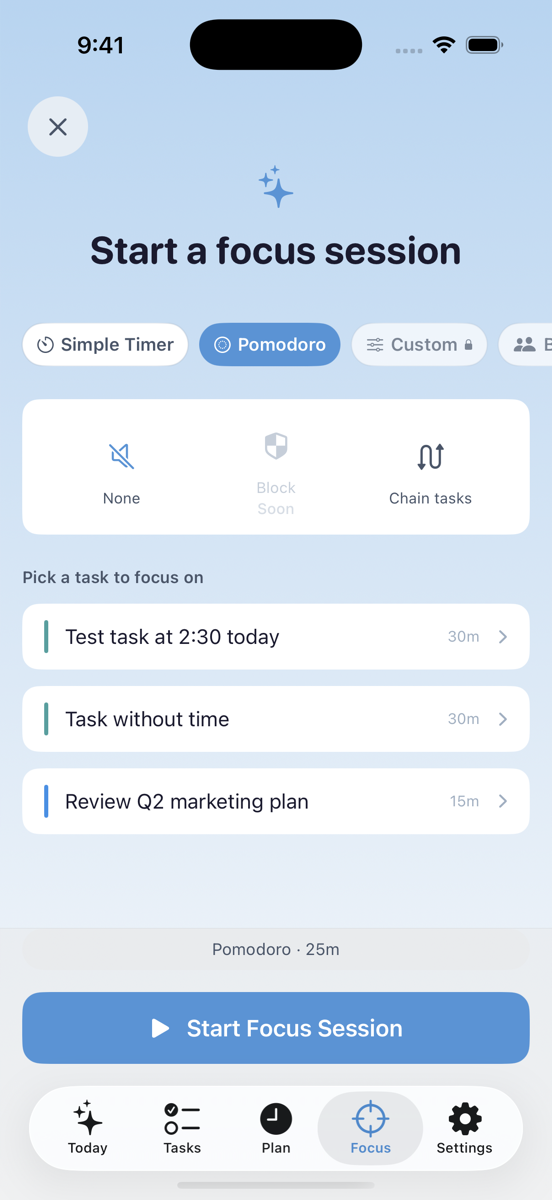
Pomodoro Timer
25 minutes of focus. 5-minute break. Repeat. The classic technique, built right in. Visual progress, gentle nudges when breaks are over, and session tracking to see how much deep work you're getting done.
Free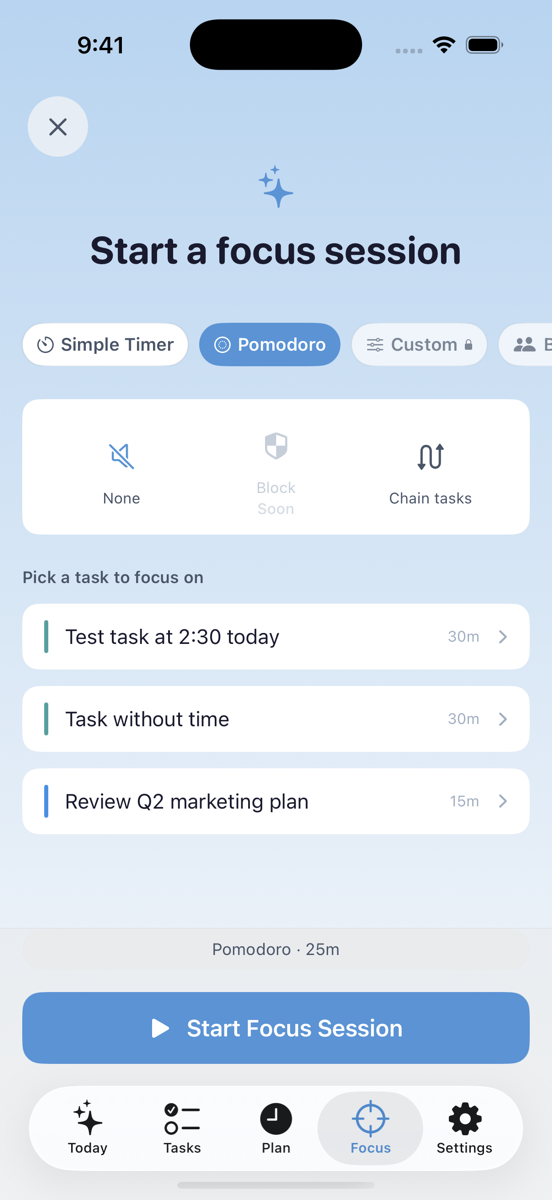
Simple Timer
Count up or down — however you work best. No structure required. Just hit start and focus.
Free
Custom Intervals
Define your own work/break rhythm. 50/10, 90/20, or whatever keeps your brain happy. Your focus, your rules.
Pro
Body Doubling
Focus alongside others in real time — accountability without pressure. You're not alone in this. Someone else is working right now too.
Pro
Ambient Sounds
Nature sounds, white noise — find your focus soundtrack. Block out distractions and create your ideal work environment.
ProBuild habits that actually stick
Step-by-step routines that walk you through the hard parts.
Routine Builder
Morning routine always falls apart by step 3? Build multi-step routines and Doable walks you through each one. Scheduled to specific days and times. No more forgetting what comes next.
Free Pro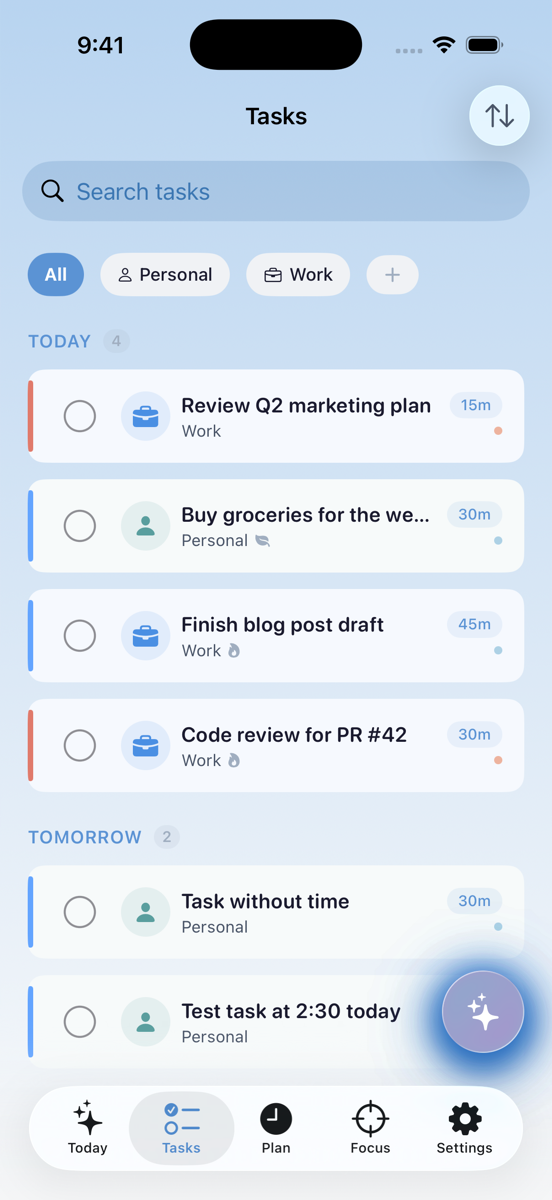
Step-by-Step Execution
One step at a time. Check it off. Move to the next. No cognitive load figuring out what comes after — Doable handles the sequence.
Free
Scheduled Days
Run routines on specific days at specific times. Weekday morning routine, weekend wind-down — each on its own schedule.
FreeCelebrate progress, not perfection
Streaks, milestones, and insights that encourage you — without the guilt.
Compassionate Streaks
Streaks that don't punish you for being human. Show up most days? That counts. Rest days and streak freezes protect your progress. Because consistency doesn't mean perfection.
Free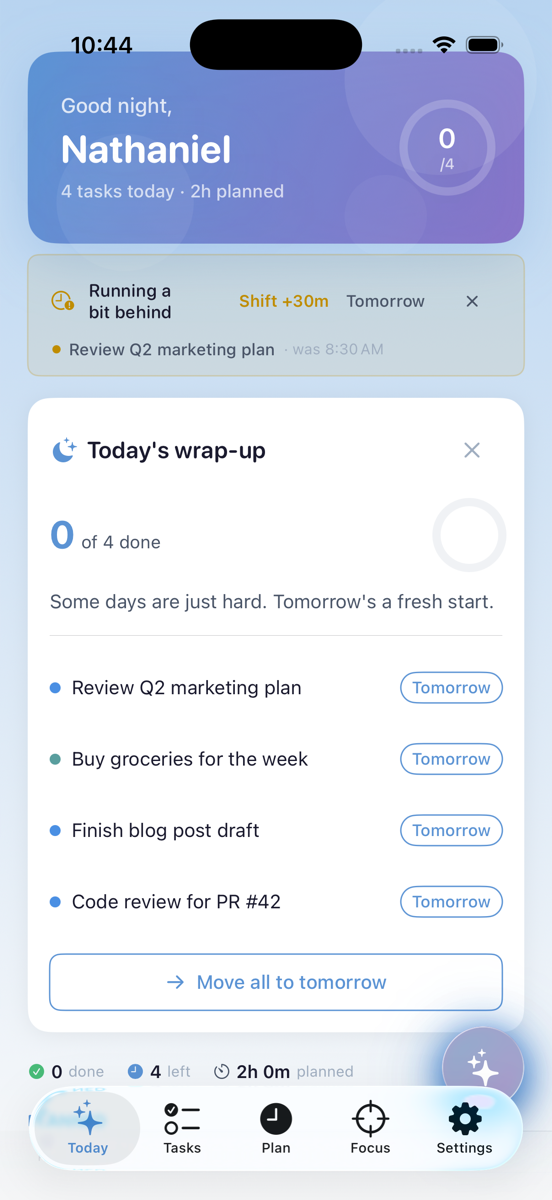
Rest Days
Take up to 1 rest day per week — streak survives. Your brain needs breaks. Doable respects that.
Free
Streak Freeze
Use once per month when life gets hard. Bad days happen. Your progress shouldn't evaporate because of one rough patch.
Free
Milestones & Confetti
Celebrate 10, 25, 50, 100 tasks and 7, 30, 100-day streaks. Real celebrations for real accomplishments.
Free
Weekly Insights
Monday morning summary of what you accomplished. Start the week knowing what you've already done — not just what's ahead.
FreeMake it yours
Themes, work styles, and sensory settings that adapt Doable to you.
Themes
5 beautiful themes: Ocean (free), Forest, Sunset, Midnight, and Minimal. Each with light and dark mode. Your task manager should feel like yours — not like everyone else's.
Free Pro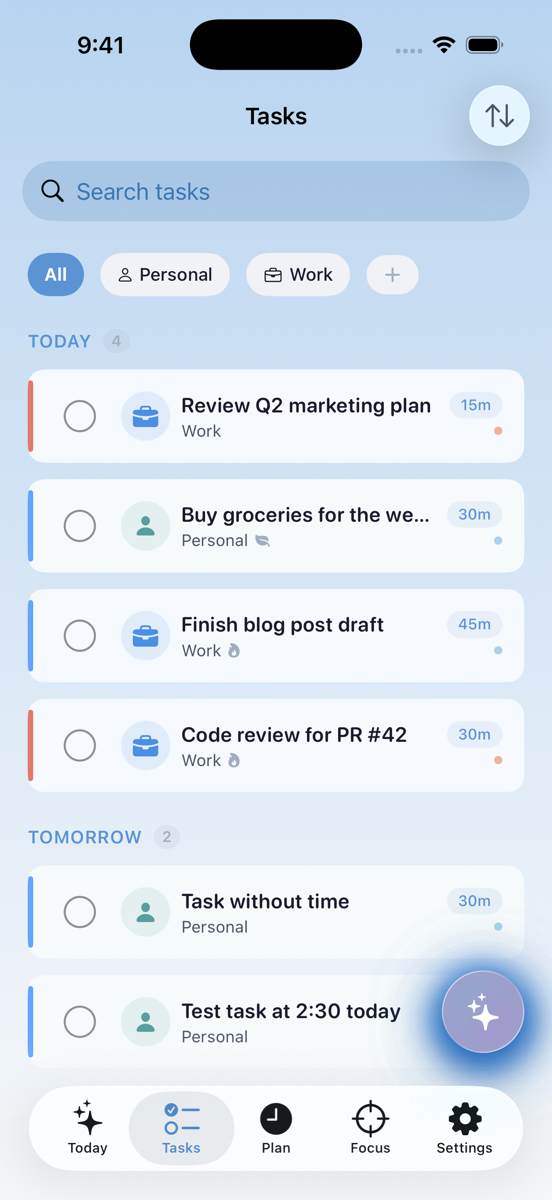
Work Styles
6 modes: Stay On Task, Get Moving, Reduce Overwhelm, Build Consistency, Mind the Clock, Finish Strong. Tell Doable how your brain works best.
Free
Customizable Haptics
Toggle haptic feedback to match your sensory preferences. Love the buzz? Keep it. Need calm? Turn it off. You're in control.
FreeEverywhere you are
Not a port. Purpose-built for each Apple device.
Cross-Platform
Not a port. Purpose-built for each Apple device. Native UI, native performance, native features. Doable takes full advantage of what each device does best — from the Dynamic Island to Apple Watch complications.
iPhone
The full experience — widgets, Live Activities, Siri, Spotlight. Designed for one-handed use and everything iOS has to offer.
Free
iPad
Optimized for landscape, Split View, and the bigger screen. Multi-column layouts give your tasks room to breathe.
Free
Apple Watch
Standalone app — view tasks, complete, run timers, complications. Your tasks on your wrist without reaching for your phone.
Pro
Widgets & Live Activities
Home screen, lock screen, and Dynamic Island. See your tasks and focus sessions at a glance, everywhere.
FreeBuilt for everyone
Accessibility isn't an afterthought — it's woven into every screen.
Accessible by Design
Accessibility isn't an afterthought — it's woven into every screen. Every feature, every interaction, every pixel is designed to work for everyone. Because a task manager that isn't accessible to you isn't a good task manager.
Dynamic Type
Text scales perfectly at every system size. From the smallest to the largest accessibility setting — nothing breaks.
Free
VoiceOver
Full screen reader support throughout. Every element is labeled, every action is announced. Navigate the entire app by voice.
Free
Reduce Motion
All animations respect your system preferences. If you've turned off motion in Settings, Doable follows suit automatically.
Free
Color Blind Mode
Shape and text indicators alongside color. Priority, energy, and status are always clear — no matter how you see color.
FreeReady to try it?
Free to start. No credit card required. Built by someone who gets it.
Download Doable